Early Bird Registration - Monday to Thursday, 6-9 July
Day 1 - Monday, 13 July
Day 2 - Tuesday, 14 July
Day 3 - Wednesday, 15 July
Early Bird Registration - Monday to Thursday, 6-9 July
| Onshore registration |
|
 10:00 AM – 4:00 PM 10:00 AM – 4:00 PM
 Level 1 Welcome Centre, Auckland campus, 345 Queen Street, Auckland Central 1010 Level 1 Welcome Centre, Auckland campus, 345 Queen Street, Auckland Central 1010
 Support Team Support Team
|
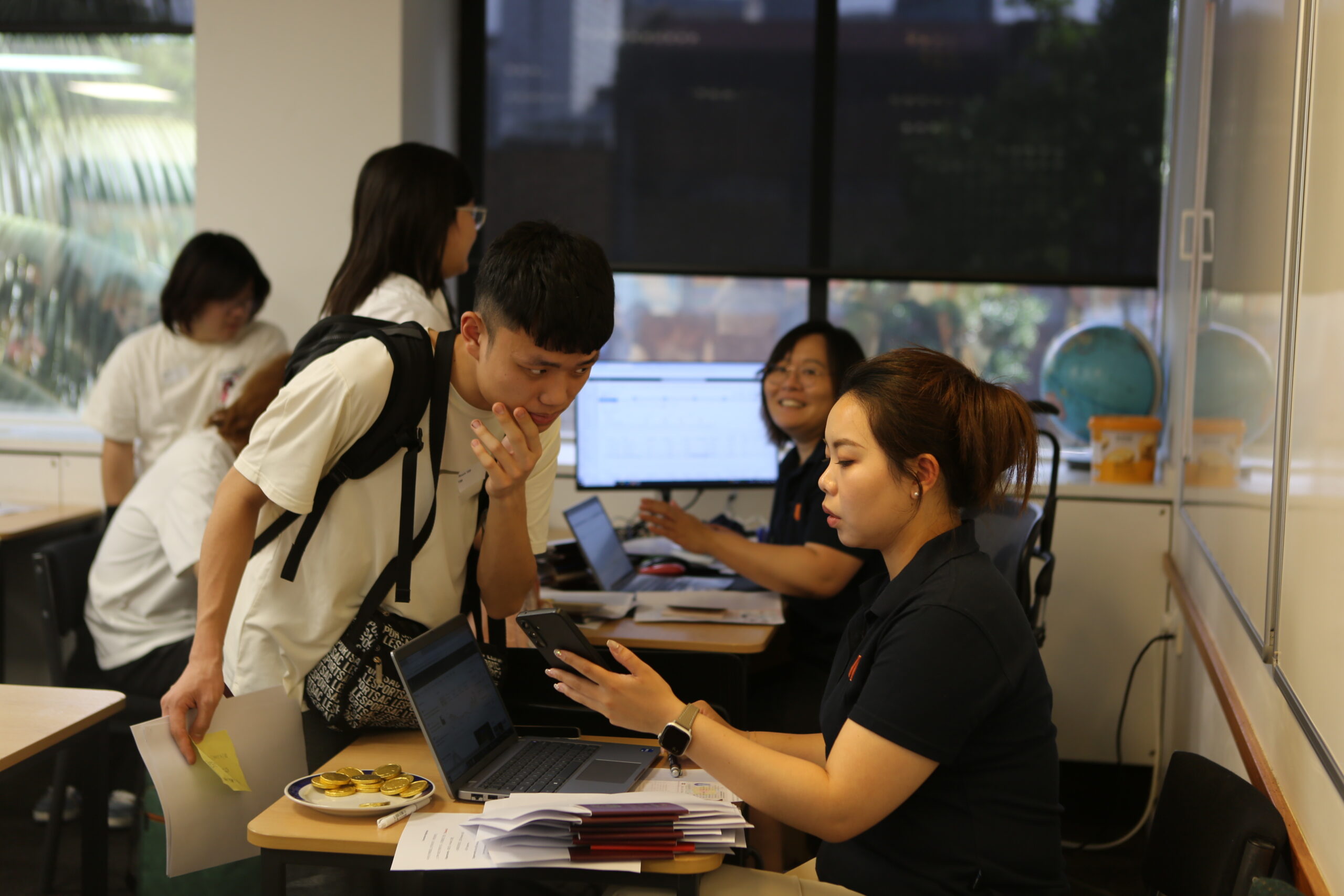
 If you are in New Zealand during one of these dates, you can complete your registration early. If you are in New Zealand during one of these dates, you can complete your registration early.
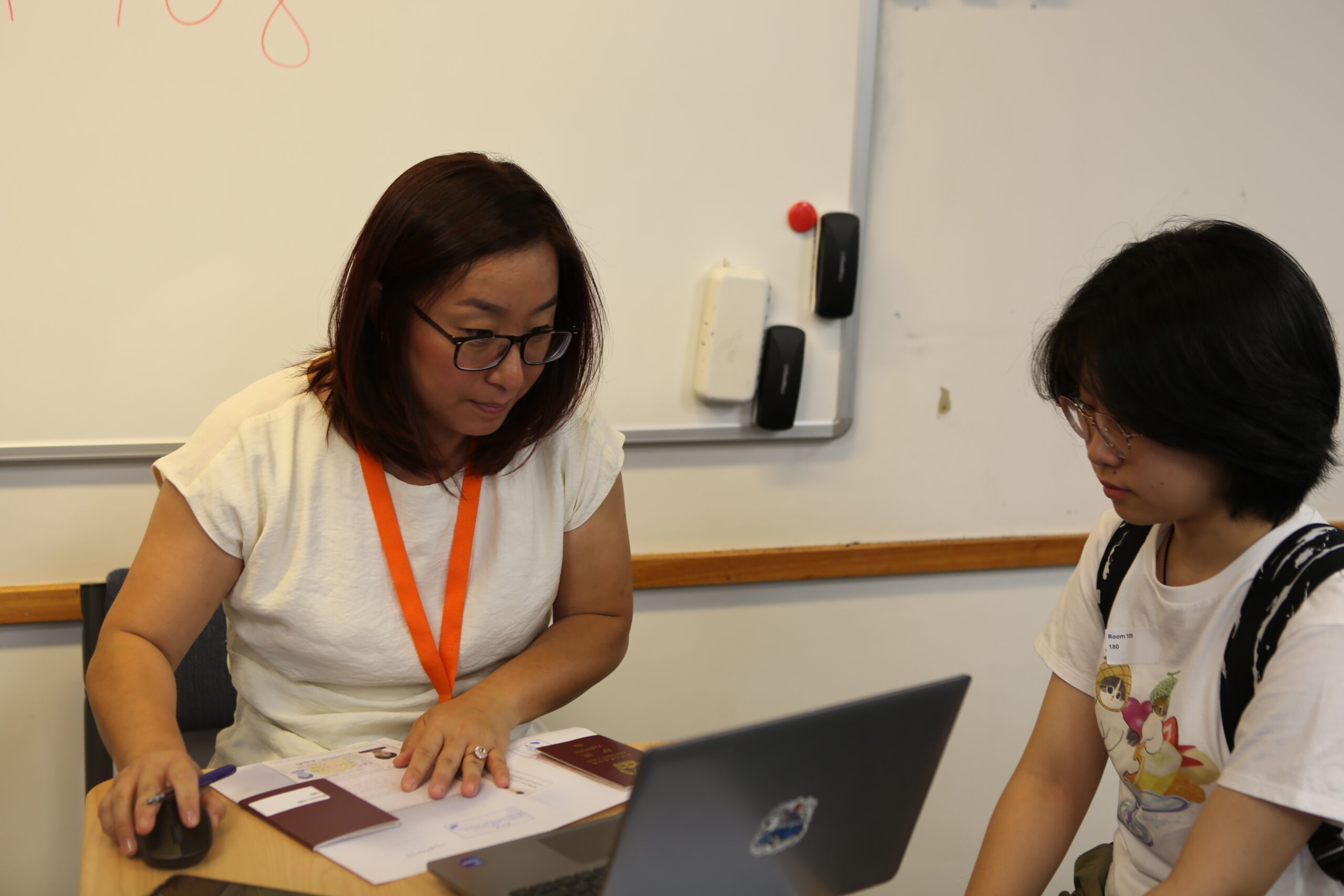
You must bring your physical passport and visa with you. |
Day 1 - Monday, 13 July
| Onshore registration |
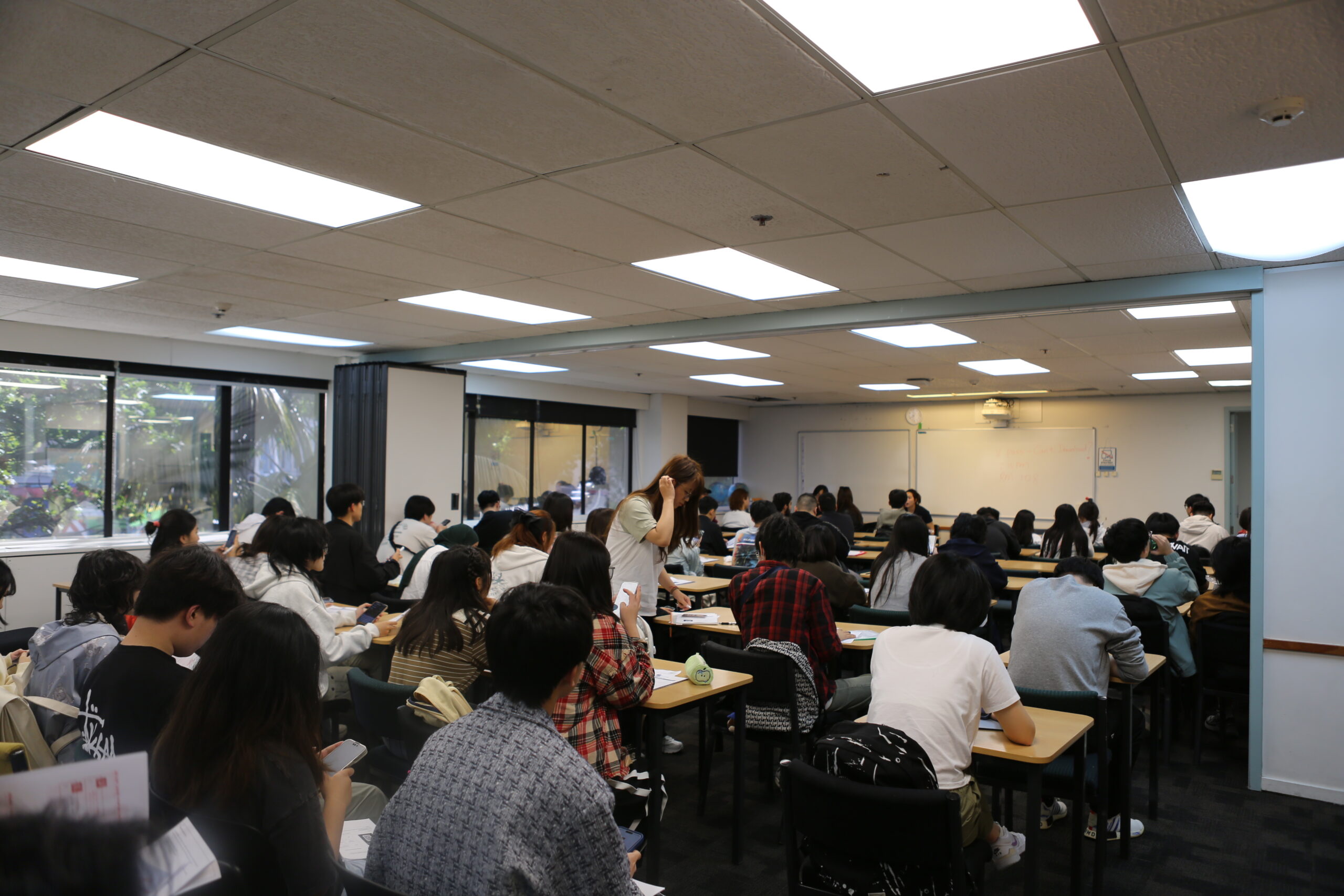
9:00 AM – 12:00 PM Library, Auckland campus, 345 Queen Street, Auckland Central 1010 UPIC Academic and Support Team | All students will need to report to the campus. You must bring your physical passport and visa with you. |
| Parents’ Orientation |
9:30 AM – 10:30 AM Cafe, Auckland campus, 345 Queen Street, Auckland Central 1010 Leonie Menzies, Principal, University Partnerships Guest speakers: StudentSafe NZ Police Accomodation | Parents will receive a welcome from their Principal Parents outside of New Zealand, please click here to join the session online.  Click here to join. Click here to join.
|
| Q&A Drop in session |
9:30 AM – 12:30 PM Cafe, Auckland campus, 345 Queen Street, Auckland Central 1010 StudentSafe NZ Police Host Families NZ UP Academic staff | We are thrilled to welcome Student Safe and the NZ Police alongside our own academic staff for what promises to be a truly valuable session! This is your chance to get some dedicated one-on-one time with our incredible guests, so make sure you don’t miss it! Come ready with your questions — this is a rare opportunity to connect directly with the people who can help you most. We can’t wait to see you there! |
| IT Helpdesk |
9:00 AM – 4:00 PM Library, Auckland campus, 345 Queen Street, Auckland Central 1010 IT Support | IT Support will be onsite from the afternoon so if you have completed your set up using the Activation guide but are still having technical issues, please bring your devices (Phone and Laptop) with you and our IT team will make sure everything is set up and ready to go. |
Day 2 - Tuesday, 14 July
| Principal’s Welcome |
|
9:45 AM – 10:00 AM
Room 403, Auckland campus, 345 Queen Street, Auckland Central 1010
Leonie Menzies, Principal, University Partnerships
|
Onshore students are required to attend the session in person.
Offshore students, please click here to join the session online.
Click here to join. |
| PLP Ice Breaker activities |
|
10:00 AM – 11:30 AM
Room 403, Auckland campus, 345 Queen Street, Auckland Central 1010
Academic staff
|
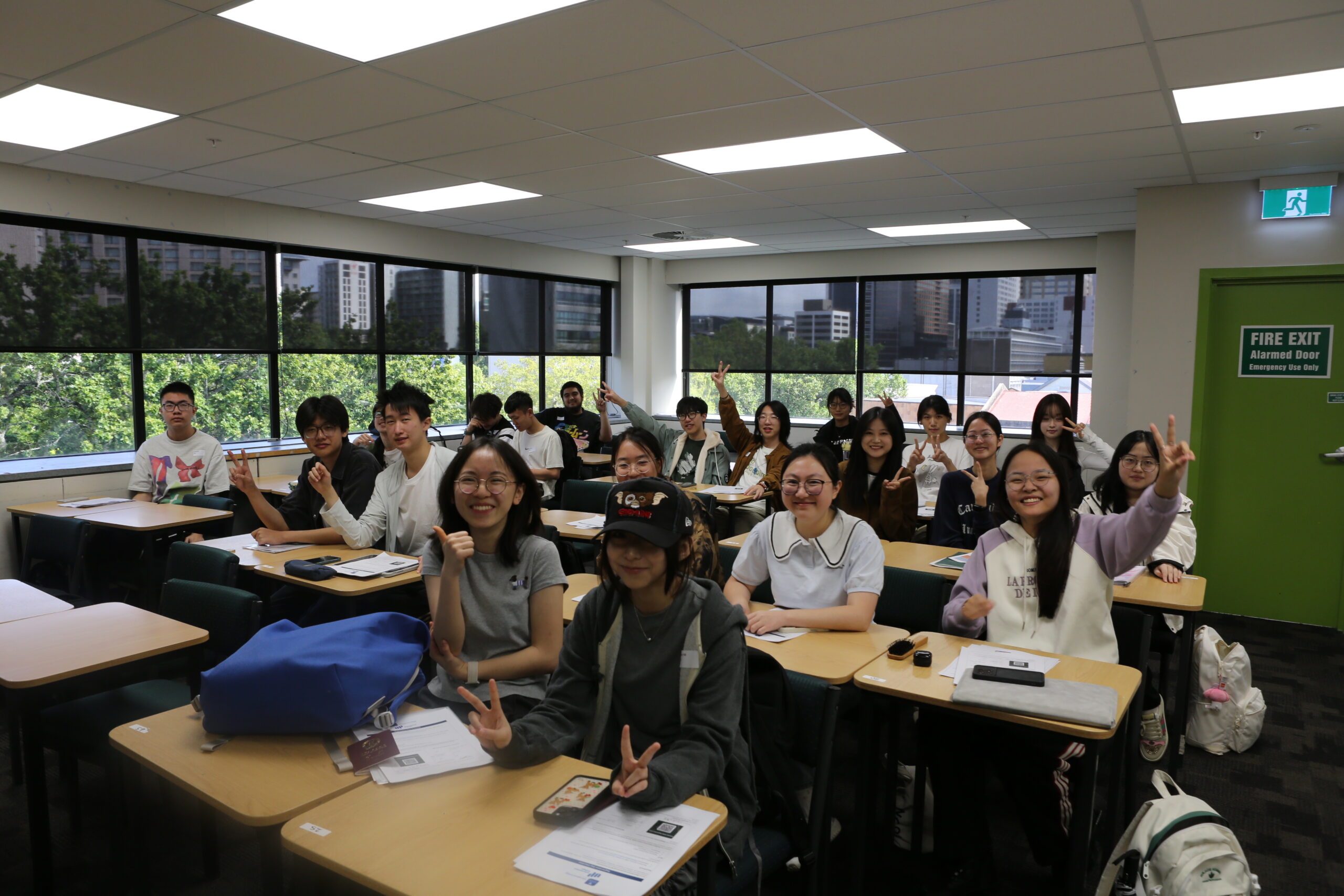
All new students are required to attend the session in person. |
| Pathways Link Campus Tour and Lunch |
|
11:30 AM – 12:30 PM
Room 403, Auckland campus, 345 Queen Street, Auckland Central 1010
Academic staff
|
All new students are required to attend the session in person. |
| PLP Academic-related presentations |
|
12:30 PM – 1:30 PM
Room 403, Auckland campus, 345 Queen Street, Auckland Central 1010
Academic staff
|
All new students are required to attend the session in person. |
Day 3 - Wednesday, 15 July
| PLP Ice Breaker activities |
|
10:00 AM – 10:30 AM
Room 403, Auckland campus, 345 Queen Street, Auckland Central 1010
Academic staff
|
All new students are required to attend the session in person. |
| Session 2: Mental Health and Wellbeing |
|
11:00 AM – 11:30 AM
Room 403, Auckland campus, 345 Queen Street, Auckland Central 1010
Katie Gao, Pastoral Care and Engagement Specialist
|
All new students are required to attend the session in person. |
| PLP Study in New Zealand |
|
11:30 AM – 12:30 PM
Room 403, Auckland campus, 345 Queen Street, Auckland Central 1010
Luiza Queiroga – Learner Success Team, Student Support Officer
|
All new students are required to attend the session in person. |
| Session 4: Accommodation |
|
12:30 PM – 1:00 PM
Library, Auckland campus, 345 Queen Street, Auckland Central 1010
Nicole Han, Head of Accommodation
|
This session is mandatory for all under 18 students residing in Homestay accommodation. |