Pre Orientation – Thursday 21st September
Day 1 - Monday, 28th September
Day 2 - Tuesday, 29th September
Day 3 - Wednesday, 30th September
Pre Orientation – Thursday 21st September
| Pre-Orientation Session & Q&A |
|
 3:00 PM – 4:00 PM (NZ time) 3:00 PM – 4:00 PM (NZ time)
 Teams meeting Teams meeting
 Vivian Zhang, Learner Success Team Coordinator Vivian Zhang, Learner Success Team Coordinator
Luiza Queiroga, Student Support Officer
Nicole Han, Head of Accommodation
|
 Students have the chance to get first-hand information before orientation week happens. Students have the chance to get first-hand information before orientation week happens.
 Click here to join. Click here to join.
|
Day 1 - Monday, 28th September
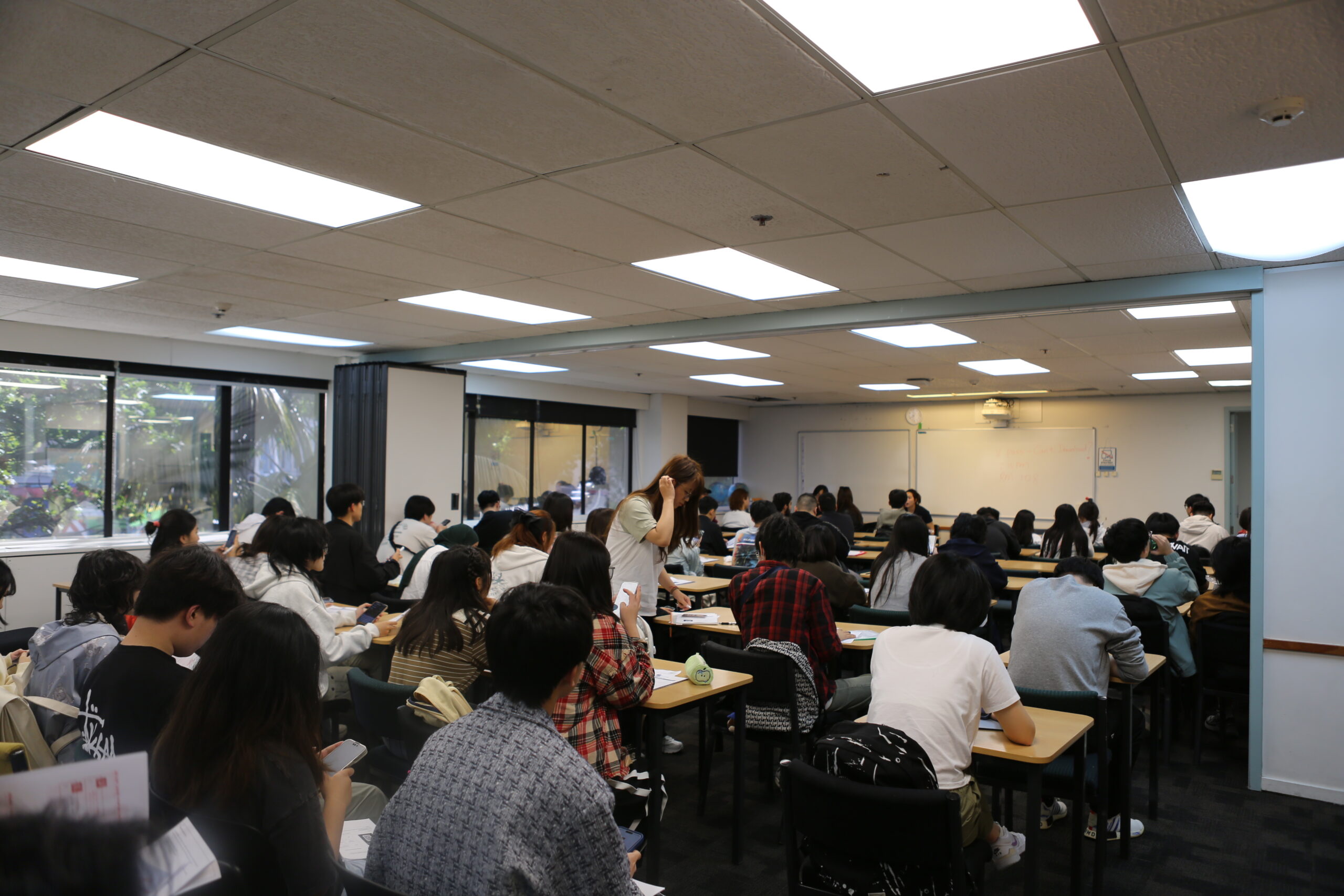
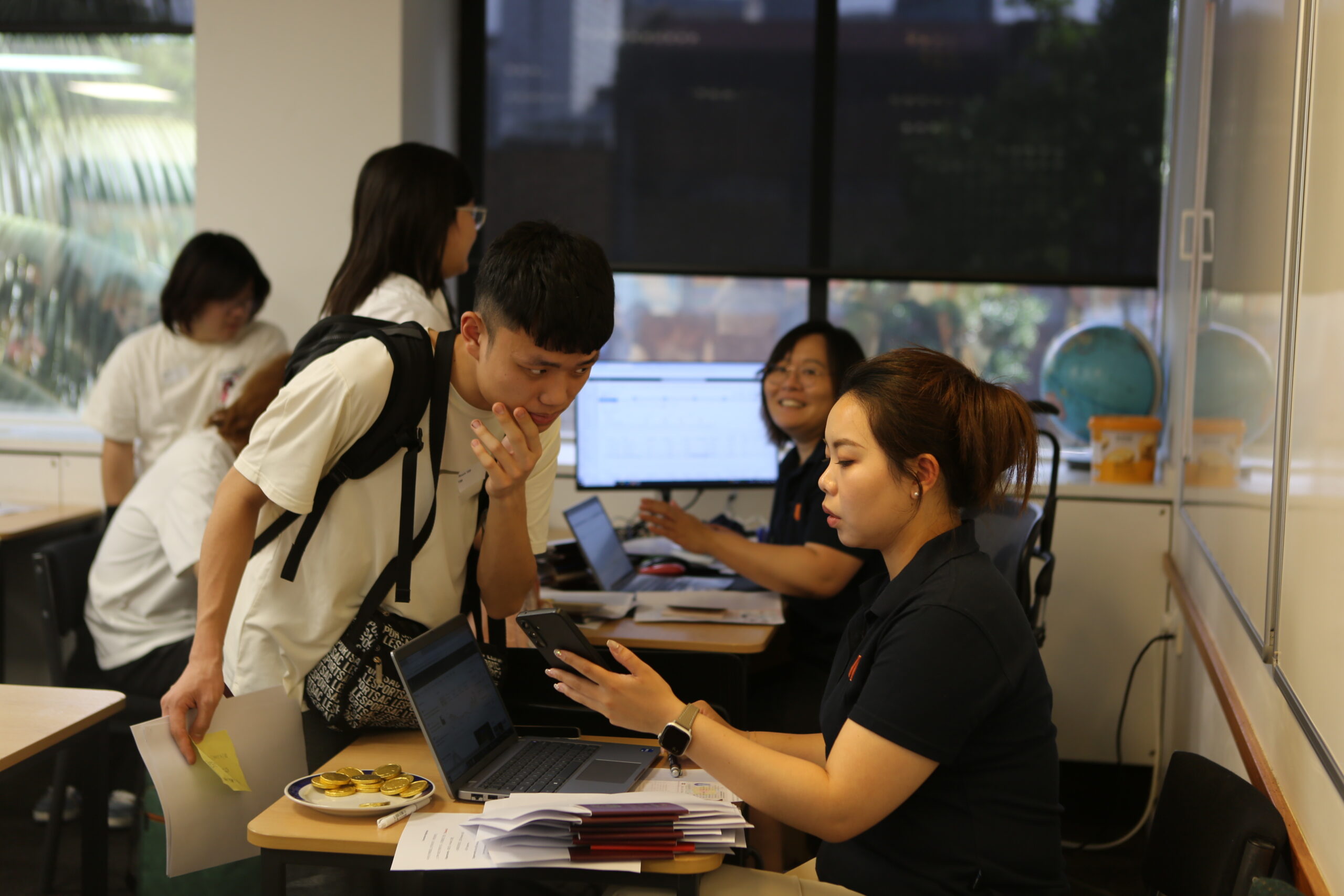
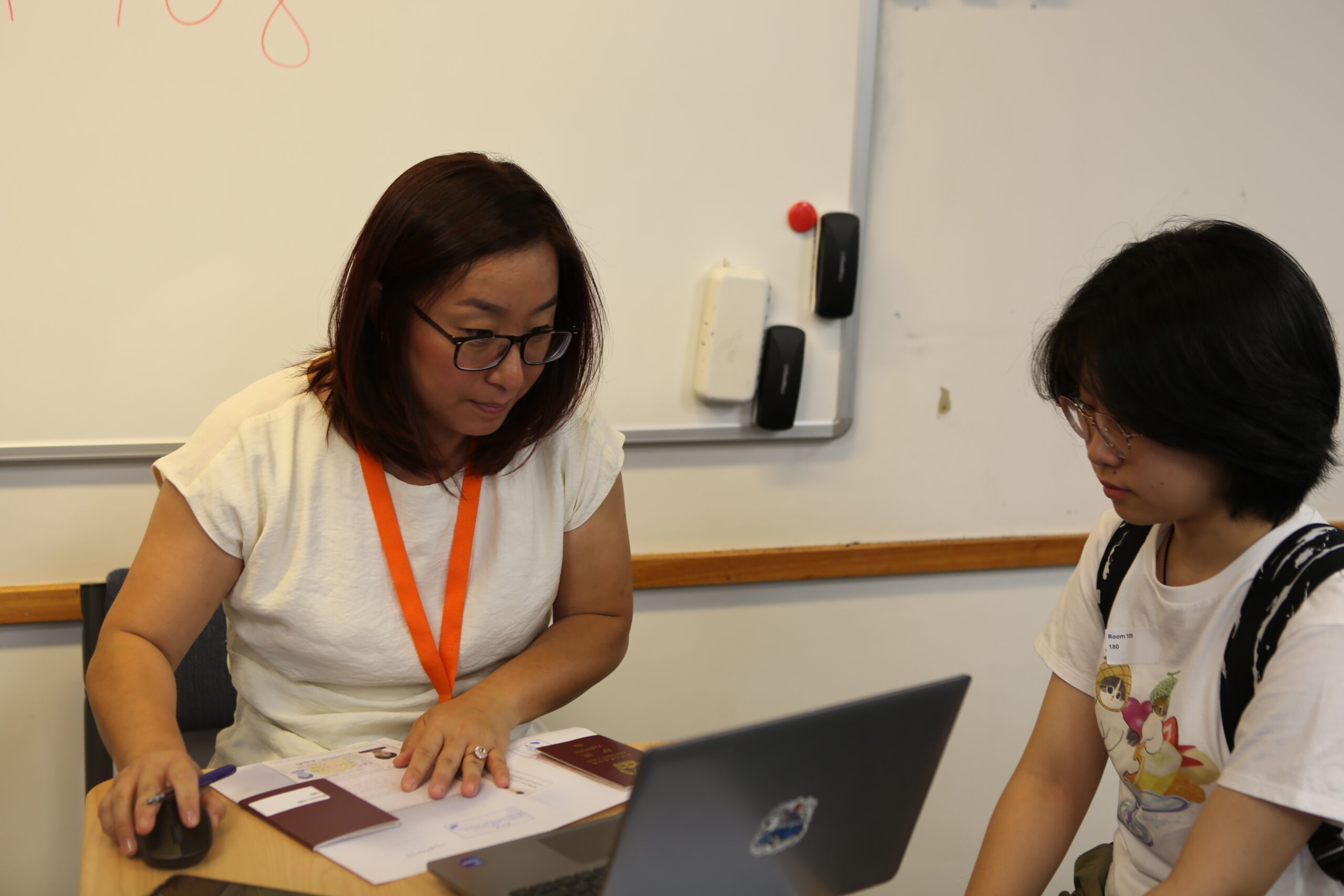
| Onshore registration – UPIC |
9:00 AM – 12:00 PM Library, Auckland campus, 345 Queen Street, Auckland Central 1010 | All students must attend on campus. You must bring your physical passport and visa with you. |
| Parents’ Orientation |
9:30 AM – 10:30 AM Level 5, Room 513, Auckland campus, 345 Queen Street, Auckland Central 1010 Leonie Menzies, Principal, University Partnerships Guest speakers: Studentsafe Accommodation NZ Police | Parents will receive a welcome from the college’s principal Parents outside of New Zealand, please click here to join the session online. Click here to join. |
| IT Helpdesk |
9:00 AM – 4:00 PM Ground Level, Room 101 & 102, Auckland campus, 345 Queen Street, Auckland Central 1010 IT Support | IT Support will be onsite so if you have completed your set up using the Activation guide but are still having technical issues, please bring your devices (Phone and Laptop) with you and our IT team will make sure everything is set up and ready to go. |
| Q&A Drop in session |
9:30 AM – 12:30 PM Library, Auckland campus, 345 Queen Street, Auckland Central 1010 Auckland University of Technology Studentsafe NZ Police Host Families NZ Accommodation | We are thrilled to welcome Auckland University of Technology, Studentsafe, NZ Police, Host Families NZ and the Accommodation team for what promises to be a truly valuable session! This is your chance to get some dedicated one-on-one time with our incredible guests, so make sure you don’t miss it! Come ready with your questions – this is a rare opportunity to connect directly with the people who can help you most. We can’t wait to see you there! Students who finish registering and do not have questions or IT related enquiries are free to go home. |
| Mental Health Awareness Workshop |
2:00 PM – 4:00 PM Room Library, 345 Queen Street, Auckland Campus Young Wu, Asian Family Services | Optional Session! Join our interactive workshop to learn practical ways to care for your well-being in a supportive, judgment-free space. Spots are limited, so stop by the AFS booth to sign up! |
Day 2 - Tuesday, 29th September
| Principal’s Welcome |
|
10:00 AM – 10:20 AM
Level 5, Room 513, Auckland campus, 345 Queen Street, Auckland Central 1010
Leonie Menzies, Principal, University Partnerships
|
Onshore students are required to attend the session in person
Offshore students, please click here to join the session online.
Click here to join.
|
| Study in New Zealand |
|
10:30 AM – 11:30 AM
Level 5, Room 513, Auckland campus, 345 Queen Street, Auckland Central 1010
Luiza Queiroga – Learner Success Team, Student Support Officer
|
Onshore students are required to attend the session in person
Offshore students, please click here to join the session online.
Click here to join.
|
| Lunch and Meet & Greet Activity |
|
11:30 AM – 12:30 PM
Level 5, Room 513, Auckland campus, 345 Queen Street, Auckland Central 1010
Leonie Menzies, Principal, University Partnerships
|
Onshore students only
Enjoy some lunch while you meet your new peers and the principal
|
| AUT: Welcome and Subject Selection |
|
12:30 PM – 2:00 PM
Level 5, Room 513, Auckland campus, 345 Queen Street, Auckland Central 1010
Leonie Menzies, Principal, University Partnerships & UPIC Academic Staff
|
Onshore students are required to attend the session in person
Offshore students, please click here to join the session online.
Academic Q&A with UPIC Staff
Students will be able to discuss with the academic staff who will be teaching them, information about their course to facilitate subject selection.
Click here to join.
|
Day 3 - Wednesday, 30th September
| Session 1: Introduction to Digital Tools |
|
10:00 AM – 10:30 AM
Level 5, Room 513, Auckland campus, 345 Queen Street, Auckland Central 1010
Leonie Menzies, Principal, University Partnerships
|
Onshore students are required to attend the session in person.
Offshore students, please click here to join the session online.
Click here to join.
|
| Session 2: Getting the Most out of Your Study |
|
10:30 AM – 11:30 AM
Level 5, Room 513, Auckland campus, 345 Queen Street, Auckland Central 1010
Leonie Menzies, Principal, University Partnerships
|
Onshore students are required to attend the session in person.
Offshore students, please click here to join the session online.
Click here to join.
|
| Session 3: Mental Health and Wellbeing |
|
11:30 AM – 12:00 PM
Level 5, Room 513, Auckland campus, 345 Queen Street, Auckland Central 1010
Katie Gao, Pastoral Care and Engagement Specialist
|
Onshore students are required to attend the session in person.
Offshore students, please click here to join the session online.
Click here to join.
|
| Session 4: Accommodation |
|
12:00 PM – 12:30 PM
Level 5, Room 513, Auckland campus, 345 Queen Street, Auckland Central 1010
Nicole Han, Head of Accommodation
|
This session is mandatory for all under 18 students residing in Homestay accommodation.
Onshore students are required to attend the session in person.
Offshore students, please click here to join the session online.
Click here to join.
|